
Getting every conversation into your CRM: webhooks, intakes and outcome events
How to send every booking, lead and finished conversation from your Ordina Secretary into your CRM, with webhooks, intakes and the conversation.completed event.
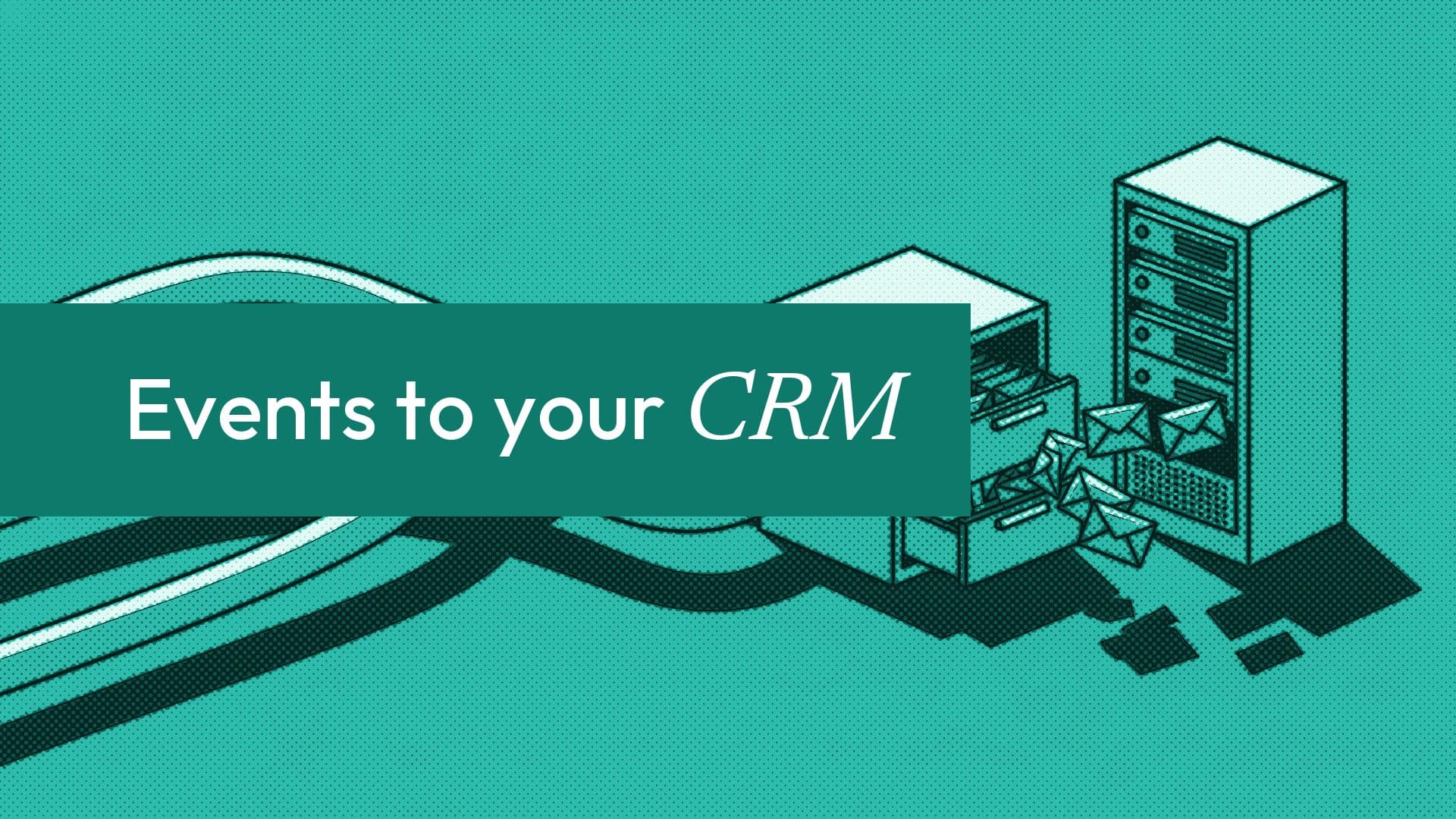
Your AI Secretary talks to more customers than anyone on your team. If those conversations stay in Ordina's inbox, your CRM only knows half the story. This guide shows how to get three things out, reliably: what happened (bookings, orders, payments, leads), what each conversation came to, and the answers the Secretary collected for you.
There are three tools for this, and they fit together:
| Tool | What it sends | When |
|---|---|---|
| Classic webhook events | Bookings, orders, payments, leads, reviews, form answers | The moment each happens |
conversation.completed | The outcome of a whole conversation, with ids to look up | 30 to 45 minutes after it goes quiet |
Intakes and intake.completed | Typed answers to your questions, such as quote details | When every required answer is in |
All three are part of the Business plan.
Step 1: add an endpoint
You can add one in the dashboard (Integration, then Webhooks) or from code:
POST https://www.useordina.com/api/v1/webhooks
Authorization: Bearer ord_live_...
Content-Type: application/json

{ "url": "https://example.com/ordina/events",
  "events": ["*", "conversation.completed", "intake.completed"] }
* means the 14 classic events. The opt-in events (conversation.completed, intake.completed, the action.* events and app.disconnected) are never part of *. You name them, alone or beside it. That way an existing subscription or Zap never starts receiving new kinds of events by surprise.
The response includes a signing secret, shown once. Store it.
Step 2: map the classic events to your CRM
Every delivery shares one envelope: an event id, the event name, a timestamp, the business, and data. A typical mapping:
| Ordina event | CRM action |
|---|---|
lead.created | Create a contact and a lead, with the customer's message as a note |
booking.created | Create or update the contact; log an appointment or a deal stage |
booking.rescheduled, booking.cancelled | Update the appointment; a no-show arrives as booking.cancelled with action: "no_show" |
booking.completed | Mark the visit done; start a follow-up sequence |
payment.received | Log revenue against the booking or order |
review.created | Attach the rating and text to the contact |
form.submitted | Store the answers on the contact |
Here is a lead.created delivery, trimmed:
{
  "event": "lead.created",
  "data": {
    "lead": { "id": 311, "name": "Tunde", "contact": "tunde@example.com",
              "message": "Do you run corporate sessions?", "source": "page" }
  }
}
Bookings and orders carry the same objects the REST API returns, including conversation_id, so you can link a booking to the conversation that produced it.
Step 3: add conversation.completed for the full picture
Classic events tell you when something concrete happened. Most conversations end without one: a question answered, a booking left halfway, a customer pointed to the team. conversation.completed covers all of them.
{
  "event": "conversation.completed",
  "data": {
    "conversation": { "id": "5e55c0f2-...", "channel": "whatsapp",
      "started_at": "2026-10-15T09:52:11.000Z", "last_message_at": "2026-10-15T10:01:12.000Z",
      "customer_messages": 5 },
    "outcome": "resolved",
    "outcomes": ["resolved"],
    "summary": "Support ticket went through after 5 messages on WhatsApp.",
    "references": { "appointment_ids": [], "order_ids": [], "store_order_ids": [],
      "intake_response_ids": [], "action_calls": [ ... ] },
    "resumed": false
  }
}
When it arrives. A conversation counts as complete when its last message is 30 minutes old and the customer wrote at least twice. Ordina checks every 15 minutes, so the event lands 30 to 45 minutes after the last message. It covers Secretary conversations on every channel: web chat, Telegram, email, phone calls, and WhatsApp, Instagram and Messenger where a business has them.
What it says. outcomes lists everything that applies, and outcome is the first of them in this order:
| outcome | Meaning |
|---|---|
booked | A booking was made |
ordered | An order was placed |
intake | An intake was completed |
lead | The customer left an email or phone and a question for the team |
resolved | A write action went through, the team's answer was passed on, or the Secretary simply answered |
handed_off | A question for the team is still waiting, or the customer was pointed to the business's own contact details |
abandoned | A booking, order, write action or intake was left unfinished |
abandoned is the one sales teams tend to want most: a list of people who started booking and stopped.
What it never holds. The summary is written by Ordina from the records, never by AI, and holds no contact details. Use the references to look up the booking or order through the API. Each conversation is reported once; if the customer comes back later, it is reported again with resumed: true. Conversations older than a day are not sent, so subscribing does not replay a business's history.
Step 4: let the Secretary collect what your CRM needs
If your CRM needs specific fields, such as the move date and room count for a quote, register an intake. It is a list of up to 12 typed questions (text, long text, number, email, phone, date or a choice) with a description of when to ask them.
{
  "name": "quote_request",
  "title": "Moving quote request",
  "description": "Collect the details for a moving quote when the customer asks what a move would cost. Not for customers asking about a move they already booked.",
  "fields": [
    { "id": "move_date", "label": "What date would you like to move?", "type": "date", "required": true },
    { "id": "rooms", "label": "How many rooms are you moving?", "type": "number", "required": true },
    { "id": "email", "label": "Where should we send your quote?", "type": "email", "required": true }
  ]
}
The intake arrives switched off. The owner sees every question, and the contact details it asks for, before they switch it on. In conversation, the Secretary asks one question at a time, checks each answer by type, and does not ask again for something the customer already said. Anything it picked up from earlier in the chat is read back for the customer to confirm before it is sent.
When every required answer is valid, you get intake.completed with each answer as text: numbers in digits, dates as YYYY-MM-DD, phones in international form. Email and phone answers carry proof: verified when the channel proved it, stated when the customer typed it. If your endpoint was down, catch up with GET /api/v1/intakes/{id}/responses, 50 at a time.
Step 5: make it reliable
A CRM sync is only as good as its worst day. Four rules:
- Verify every signature. Each delivery has
X-Ordina-Signature: t=...,v1=..., an HMAC-SHA256 of the timestamp and the raw body. Reject anything older than five minutes. Code for Node.js, Python and PHP is in the signatures guide. - Answer fast, work later. Return any 2xx within 10 seconds, then process from a queue.
- Expect repeats. Failed deliveries are retried up to five more times over about 15 hours. Deduplicate on the event
id, and onresponse_idfor intakes. - Do not trust arrival order. Use
created_atand each object's ownstatus.
If you would rather not write code
Zapier, Make, n8n and Pipedream all accept the same events through their webhook triggers. Paste the hook address under Integration, Zapier or Webhooks, pick the events, and send a test. Our Zapier guide walks through it.
A note for partner platforms
If your platform connects to many businesses through Connect to Ordina, your endpoints receive classic events without customers' contact details (the fields stay in the payload, set to null), and opt-in events only about your own actions and intakes and the conversations they were used in. The exception is by design: intake.completed carries the answers your intake asked for, including any email or phone the owner approved. Endpoints the owner adds, or makes with their own API key, receive the full events.
FAQ
Which events should a CRM subscribe to?
Start with lead.created, booking.created, booking.cancelled, payment.received and conversation.completed. Add intake.completed if you register an intake.
Why is conversation.completed delayed?
Ordina waits until a conversation has been quiet for 30 minutes, so it reports the whole conversation once, not every message. A conversation that resumes is reported again with resumed: true.
Can I get the customer's email in conversation.completed?
No. Opt-in events never carry contact details. Use the appointment_ids or order_ids in references to fetch the record through the API with the business's key.
What happens if my CRM endpoint is down?
Ordina retries up to five more times over about 15 hours, then marks the delivery failed and shows it in the endpoint's history. For intakes, the responses endpoint lets you catch up.
Which plan do I need?
Webhooks, intakes and the API are part of the Business plan, at $39 a month or $390 a year. Every new account starts with a 7-day free trial of Pro, and you can move to Business from your dashboard at any time.
More from the blog
Why our AI never acts without a yes: inside confirmed write actions
How Ordina lets an AI Secretary open tickets or book callbacks in your system safely: propose, confirm in code, owner approval, contact proof and idempotency.
The Ordina API: give your software a front desk that can act
Keys and OAuth, webhooks, connected actions, intakes and pushed knowledge: a tour of the Ordina API, with real requests from our docs.
OpenAI's dots vs an AI secretary: what a small business actually needs
OpenAI's always-on dots agent is a big step for personal AI. Here is how a general agent differs from a focused AI secretary that runs your front desk.
Comments
Be the first to comment.