
OpenAI's dots vs an AI secretary: what a small business actually needs
OpenAI's always-on dots agent is a big step for personal AI. Here is how a general agent differs from a focused AI secretary that runs your front desk.
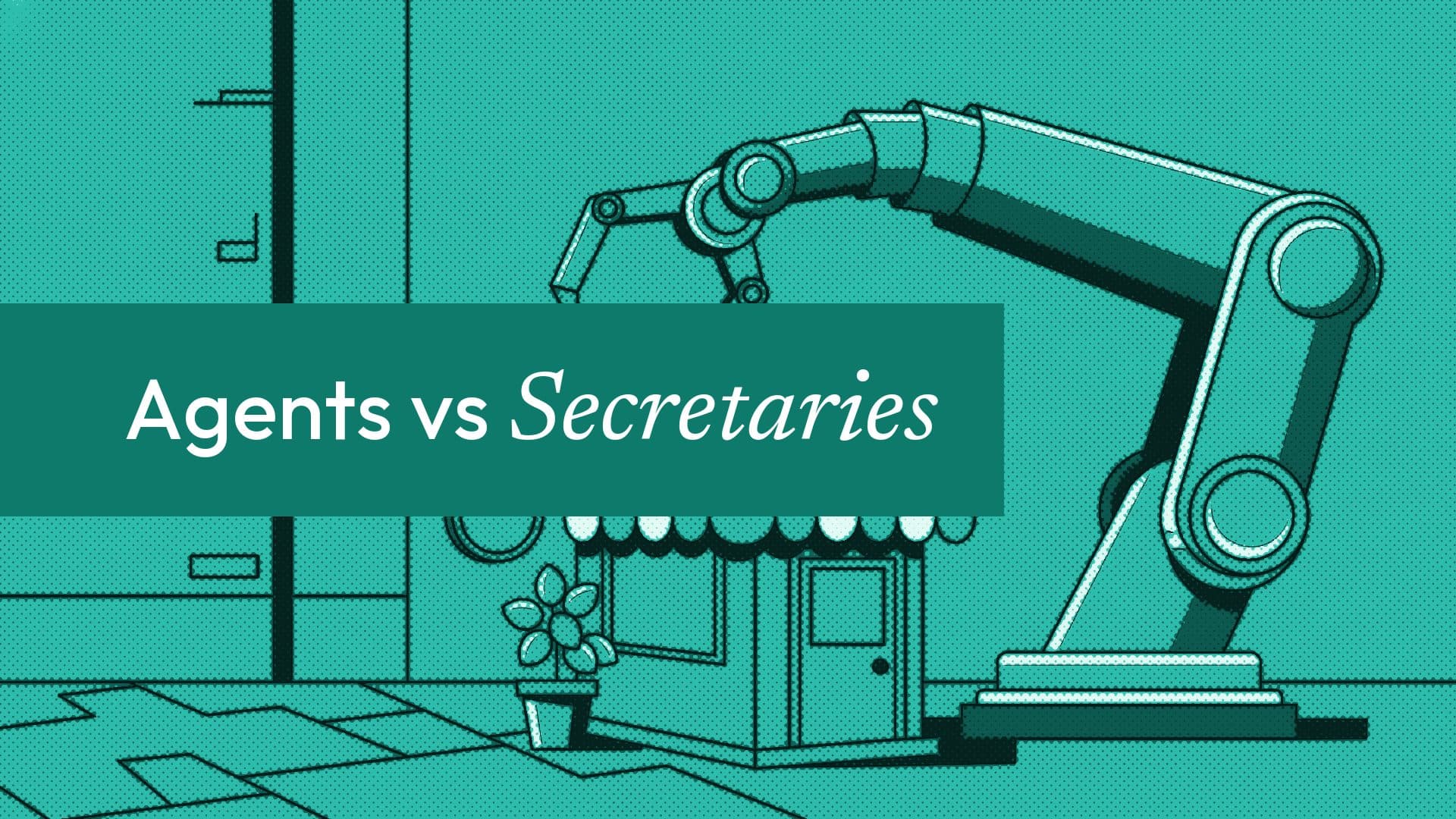
At DevDay on 29 September, OpenAI introduced dots: always-on agents that keep working after you stop chatting. It is one of the clearest signs yet of where the big AI companies are heading. They are building general agents that can do almost anything for one person.
Small business owners keep asking us the same question since: do I still need an AI secretary if I can have an agent like that? Our answer is yes, and the reason is not about which AI is smarter. It is about who the AI works for.
What OpenAI actually launched
Here is what OpenAI and the press coverage describe:
- Always on. Each dot has its own cloud computer and browser, and keeps working on a task when you are away, even with your own computer switched off.
- General purpose. A dot can research, analyse data, prepare documents and build software. It connects to more than 4,000 apps through plugins, keeps track of progress between conversations, and can run recurring check-ins.
- Rules you set. Custom rules let you allow an action, require your approval for it, or block it.
- Who gets it. The first dot is included at no extra cost on ChatGPT Pro, which starts at $100 a month, and on Business Premium. Enterprise, Edu and Healthcare workspaces can turn on a beta. For Pro users, dots is not offered in the European Economic Area, the UK or Switzerland at launch, and OpenAI says the rollout is gradual.
- Where it lives. You talk to your dot in the ChatGPT apps on mobile and desktop and in the desktop browser, and it can reach you in Slack and Microsoft Teams.
OpenAI's own documentation is candid about the limits of a cloud browser: some websites block it or ask for extra verification. That matters, because it is the main way a general agent gets things done on sites it was not built for.
A personal agent works for you. A secretary works for your customers.
A dot is a personal agent. It sits on your side of the table: it reads, plans and acts on your behalf, inside your accounts.
A small business's front desk has the opposite job. It sits between you and dozens of people you have never met, at the same time, on whatever channel they chose. It has to know your services, your prices, your free times and your rules, and it must never promise something you cannot deliver.
| A general agent such as a dot | A focused AI secretary such as Ordina | |
|---|---|---|
| Works for | You, one person | Your customers, many at once |
| Where people reach it | Your ChatGPT apps, Slack, Teams | Your booking page, website chat, Telegram, email and phone |
| How it books | By using websites through a cloud browser | Directly against your live calendar and availability |
| Payments | Not its job | Takes payment upfront or in person, by your rules per service |
| Rules | Your allow, approve or block settings | Your business rules, enforced in code |
| Starting price | ChatGPT Pro, from $100 a month | $15 a month (Pro) or $39 (Business) |
Neither column is better in general. They are different tools for different jobs.
Why focus wins at the front desk
It is wired in, not browsing. When a client asks Ordina for Saturday at 10, it checks your real availability (including your Google Calendar, if you connect it), offers only free times, and books. There is no website to navigate and no verification screen to get stuck on.
It knows your business, once. You add your business once: services, prices, hours, policies, and your website, which it reads. Every answer comes from that, on every channel. Your settings always win over anything else it has read.
It finishes the job. It takes payment upfront or in person, sends a confirmation, and sends reminders the evening before and about an hour before on WhatsApp, each with a reschedule link. A general agent can help you do these things. A secretary does them for every customer, without you in the loop.
It asks before acting, in code. When Ordina's Secretary does something that cannot be undone, the yes is checked in code, not left to the model's judgement. A customer confirms a request by their own next message; an owner confirms a cancellation before any customer hears about it.
It costs what a small business can carry. Ordina is $15 a month on Pro and $39 on Business, with a 7-day free trial and no card. Prices are available in local currencies in several countries, including the UK and the EU, where ChatGPT Pro's dots are not yet offered.
Where a general agent is the better tool
We are not arguing against dots. For the work behind the counter, a capable personal agent is very useful:
- researching suppliers, rents or competitors' prices;
- drafting a business plan, a grant application or a staff handbook;
- analysing a year of sales from a spreadsheet;
- building a small internal tool.
If you can justify ChatGPT Pro and live where it is offered, a dot can take real hours off your week. Many owners will end up with both: a personal agent for themselves, and a secretary for their customers.
What small businesses need right now
Big players are building agents that can do anything, eventually. Most small businesses have a narrower, more urgent problem today: messages arrive while they are with a client, and every unanswered one is a booking that goes elsewhere.
That is the problem Ordina is built for. Add your business once, and the Secretary answers customers in seconds, books from your live availability, takes payment, manages your calendar, and works with the tools you already use: Google Calendar, Shopify and WooCommerce catalogues, Zapier and an API on the Business plan. You run it from a dashboard, a phone app, or by chatting with your own Secretary, or from Claude with our connector. No enterprise price, and no project to manage.
Your front desk, automated. Your time, back.
Try it as a customer at useordina.com/book/ordina, or start your 7 free days.
FAQ
What is OpenAI's dots?
Dots are always-on AI agents OpenAI introduced at DevDay on 29 September 2026. Each dot has its own cloud computer and browser and keeps working on tasks while you are away. The first dot is included in ChatGPT Pro and Business Premium.
How much does dots cost?
The first dot is included at no extra cost on ChatGPT Pro, which starts at $100 a month, and on Business Premium. OpenAI has said more dots, or more speed and volume per dot, will be available to buy later, without giving prices yet.
Can dots replace an AI receptionist or secretary?
Not for most front desks. A dot works for you, inside your accounts. A secretary such as Ordina works for your customers on your booking page, website, Telegram, email and phone, with your calendar, prices and payment rules built in.
Is Ordina available where dots is not?
Ordina offers local pricing in several countries, including the UK and the EU, and US dollar pricing elsewhere. ChatGPT Pro's dots are not offered in the EEA, the UK or Switzerland at launch.
More from the blog

Top 10 AI secretary tools for small businesses (2026)
Ten AI secretary tools that answer customer messages and book appointments, compared on price, channels and fit: Ordina, Tidio, ManyChat, Podium and more.
Best AI receptionists for small businesses in 2026
An honest comparison of seven AI receptionists in 2026: Smith.ai, Goodcall, Rosie, Frontdesk, Synthflow, Ruby and Ordina, with prices and who each one suits.

Best booking software for salons in 2026
An honest guide to the best salon booking software in 2026: Fresha, Booksy, Vagaro, GlossGenius, Square, Timely, Phorest and Ordina, with prices.
Comments
Be the first to comment.