
Run your business from Claude with the Ordina connector
Connect Claude to your Ordina business: check today's bookings and revenue, update prices and services, and approve anything that reaches a customer first.
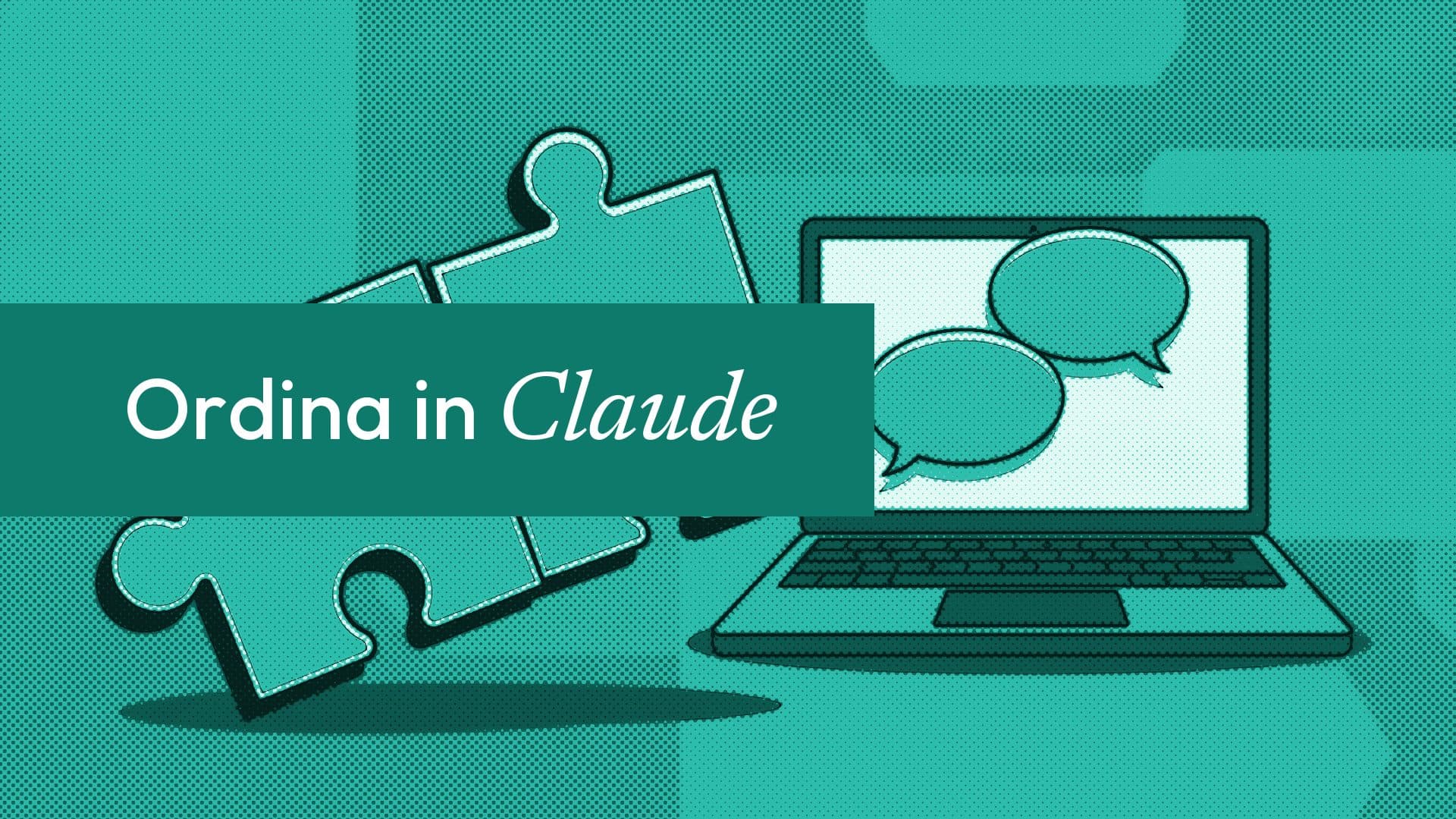
If you already use Claude for your emails, plans and spreadsheets, you can now ask it about your business too. "What is on tomorrow?" "How did this week go?" "Raise the price of a silk press to $45." With the Ordina connector, Claude reads your live schedule, orders and revenue, and makes the same changes your Secretary can make in your dashboard.
This post explains how to connect it today, what it can and cannot do, and how the second connector, the one for your customers' assistants, works.
Two connectors, two jobs
Ordina speaks the Model Context Protocol (MCP), the open standard AI assistants use to call tools. There are two servers:
| Owner connector | Customer connector | |
|---|---|---|
| Address | https://www.useordina.com/api/mcp/owner | https://www.useordina.com/api/mcp |
| Who uses it | You, the business owner | Any assistant acting for a customer |
| Sign-in | Yes: you sign in to Ordina and approve | None |
| What it reaches | Your own business only | Public business pages, one at a time |
| Plan | Business plan | Included for every listed business |
We have submitted Ordina to Claude's connector directory, and the listing is in review. You do not need to wait for it: you can add Ordina as a custom connector now.
How to connect Claude today
You need the Business plan ($39 a month, or $390 a year) and the owner's login. Staff accounts cannot connect one.
- In your Ordina dashboard, open Integration, then AI assistants, and copy the address shown.
- In Claude, open Settings, then Connectors, and choose Add custom connector. Paste the address.
- Claude sends you to Ordina. Sign in and tap Allow.
- Ask something, such as "What bookings do I have tomorrow?"
That is the whole setup. The sign-in uses OAuth 2.1 with PKCE, so Claude never sees your password, and your plan is checked on every request. To stop, disconnect it in Settings on the AI assistants page; its access ends immediately. Other assistants that support MCP connectors connect the same way.
What you can ask
Read. Your schedule, orders, payments, revenue and customers. Some things owners ask:
- "What is on today, and who is new?"
- "How much did I make this week compared with last week?"
- "Who are my top five customers this year?"
- "Which orders are still waiting to go out?"
Change. Services, products, prices, stock, visibility, your FAQ, appointment and order statuses, blocked time and photos:
- "Hide the braids service until next month."
- "Block Friday afternoon, I am at a wedding."
- "Mark the 2pm appointment as checked in."
- "Add a question to my FAQ about parking."
Your yes comes first for anything you cannot take back
You are the one asking, so a simple edit, such as a new price or a hidden service, runs when you ask for it. Anything that reaches a customer or cannot be undone works differently. These come back to you as a proposal first:
- cancelling or moving an appointment, or marking a no-show;
- cancelling an order;
- adding or deleting a service or product;
- emailing someone;
- inviting a member of staff.
Claude shows you exactly what will happen, and nothing happens until you say yes. This is enforced in Ordina's code, not left to Claude's judgement: the connector stores the proposal, and only a confirmation with your own yes, within 30 minutes, carries it out. A newer proposal replaces an older one. When a cancellation goes through, the customer gets the same email and message they would get if you had clicked it in the dashboard, and the calendar updates.
We built it this way because the same rule protects your customers when your Secretary talks to them. You can read more about it in Why our AI never acts without a yes.
What it does not do
- It does not take payments or move money.
- It reaches only your own business, never another one.
- It does not replace your dashboard for setup: payouts, identity checks and channel connections still happen there.
- Staff accounts cannot connect it; only the owner can approve it.
Your customers' assistants can book with you too
More people now ask an assistant to find and book things for them. The customer connector lets any assistant connected to Ordina:
- find a business by name, service or city, or by its handle;
- read its services, prices, opening times and policies;
- check real open times for a service over the next two weeks;
- book an appointment (with the customer's name and phone number);
- place an order, or get a checkout link for a connected Shopify or WooCommerce store;
- check the status of an order.
There is nothing for you to set up. Bookings that come in this way are marked AI assistant in your Messages, and they use the same live availability as your booking page. You can try it with our own page at useordina.com/book/ordina.
For developers
Both servers use MCP's Streamable HTTP transport (JSON-RPC 2.0 over POST) and support protocol versions 2025-06-18, 2025-03-26 and 2024-11-05. The owner server follows the MCP authorization spec, with dynamic client registration and PKCE, so a client only needs the URL. Call tools/list for the current tool schemas rather than hard-coding them; they grow. The full details are in our MCP technical note.
FAQ
Is Ordina in Claude's connector directory?
Our listing is in review. Until it appears, add Ordina as a custom connector in Claude under Settings, Connectors, using the address from Integration, AI assistants in your dashboard.
Which plan includes the owner connector?
The Business plan, at $39 a month or $390 a year. The customer connector, which lets customers' assistants find and book with you, works for every listed business at no extra cost.
Can Claude cancel an appointment without asking me?
No. Cancelling or moving an appointment, cancelling an order, deleting an item, emailing someone and inviting staff all come back as a proposal, and run only after your yes. That check is in code.
Does it work with assistants other than Claude?
Yes. Any assistant that supports MCP connectors with OAuth can connect to the owner server the same way.
Can my staff use it?
Not yet. Only the business owner can connect an assistant. Staff keep using the dashboard and the phone app.
More from the blog
Add an AI secretary to your website with one line of code
Paste one script tag and your website gets an AI Secretary that answers questions, books from live availability and takes orders. Works on Wix and WordPress.

Send bookings, orders and leads to 10,000+ apps with Zapier
Connect Ordina to Zapier in five minutes: every booking, order, payment, lead and review can update your CRM, post to Slack or start an email sequence.
OpenAI's dots vs an AI secretary: what a small business actually needs
OpenAI's always-on dots agent is a big step for personal AI. Here is how a general agent differs from a focused AI secretary that runs your front desk.
Comments
Be the first to comment.