
Online store: sell from Shopify or WooCommerce
Connect your Shopify or WooCommerce store so your Secretary answers with live products, prices and stock, and sends customers to your checkout.
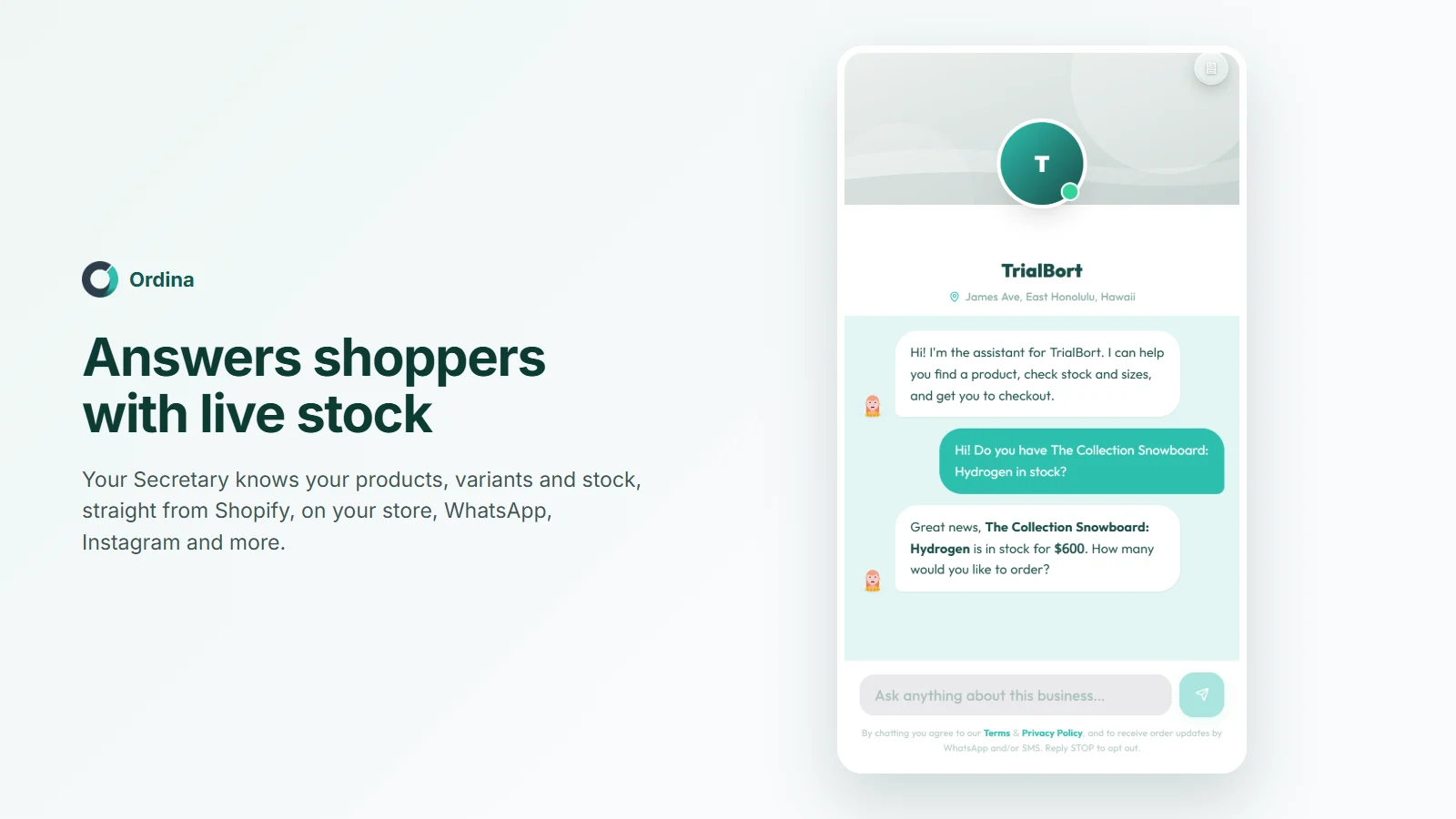
Your Secretary can sell from your own online store: it answers questions about your real products with live prices and stock, and sends customers to your checkout. Payment, stock and delivery stay in your store.
Three ways to connect
Open Integration, then Online store:
| Way | What you get | How |
|---|---|---|
| Install the Ordina Shopify app (recommended for Shopify) | Your Secretary creates the order in your store, stock is live, and customers can ask how their order is going | Install from Shopify, then in Ordina's app choose Already use Ordina? Sign in to link |
| Connect WooCommerce | The same as the Shopify app: orders, stock and statuses stay in sync | Enter your store address; your store asks you to approve Ordina |
| Read only (any public Shopify or WooCommerce store) | Answers from your products and checkout links; orders are not tracked, stock is read every six hours | Enter your store's address; nothing to approve or install |
- Enter your store addressyourshop.com or yourstore.myshopify.com.
- Approve (optional)For orders and live stock.
- Products syncSold-out items are never offered.
- Your Secretary sellsOn every channel.
What customers experience
They ask about a product on your chat, WhatsApp, email or an AI assistant, your Secretary answers from your real catalogue, and sends a link to your own checkout with the items already in the cart. On WooCommerce, each product gets its own checkout link.
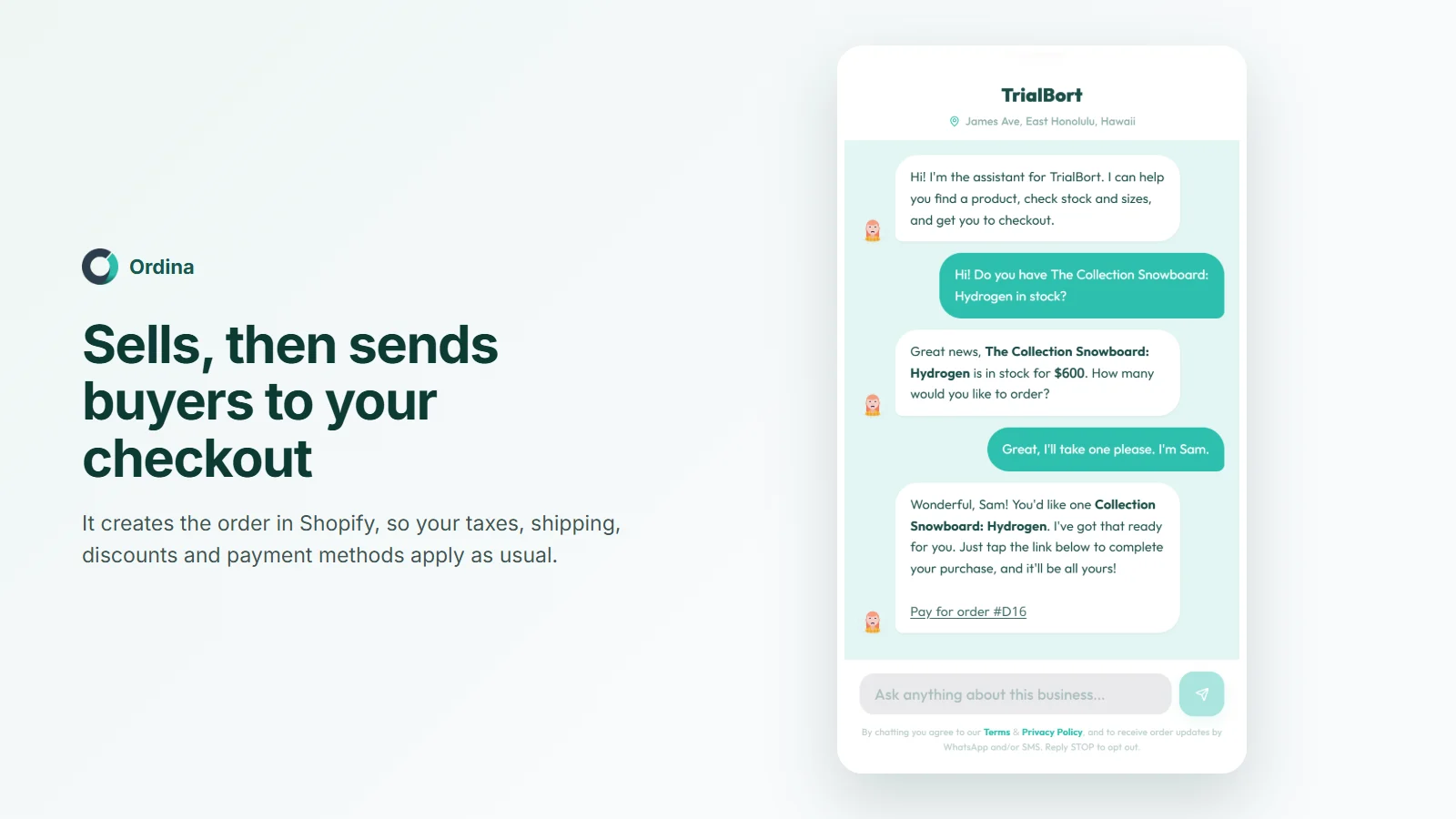
With the app or WooCommerce approval
Each sale becomes an order in your store, waiting for payment, then paid and sent. It also appears under Orders your Secretary created on the Online store page. You fulfil it in your store as usual.
Troubleshooting
- "Could not be read": password-protected stores and some security settings, often Cloudflare, block Ordina. Open the store to the public, or allow requests to /products.json on Shopify or /wp-json/wc/store/ on WooCommerce.
- "Already linked to another Ordina business": disconnect it there first. One store links to one business.
- Prices look stale: press Sync now. Read-only stores are read every six hours; approved ones update live.